
A website content audit reviews every indexable page on a site and decides what happens to each one: keep it, improve it, merge it with another page, redirect it, or remove it. The point isn't the spreadsheet; it's the decisions. Done well, it concentrates traffic and links on fewer, stronger pages and stops old content competing with new.
What a content audit is for
- Cannibalisation: several posts targeting the same query, none ranking well.
- Decay: pages that ranked two years ago and have slid since.
- Dead weight: pages with no traffic, no links and no purpose.
- Gaps: topics customers search that no page covers.
A content audit is one part of a full SEO site audit; it's worth running on its own when a site has more than a hundred or so articles.
Step 1: Build the inventory (only the columns you need)
Crawl the site for all indexable URLs, then join data from Search Console and analytics. You need far fewer columns than most templates suggest:
| Column | Source |
|---|---|
| URL, title, content type, publish/updated date | Crawler / CMS |
| Clicks and impressions, last 12 months | Search Console |
| Change vs. previous 12 months | Search Console |
| Top query and its average position | Search Console |
| Conversions or assisted conversions | Analytics |
| Referring domains | Backlink tool |
| Internal links in | Crawler |
Step 2: Set your thresholds
There's no universal "low traffic" number. Set thresholds relative to your own site before you look at individual pages, so decisions stay consistent. For example: bottom 20% by clicks, zero conversions in 12 months, and no referring domains. Writing the rule first stops you keeping pages because you like them.
Step 3: Map each page to one query
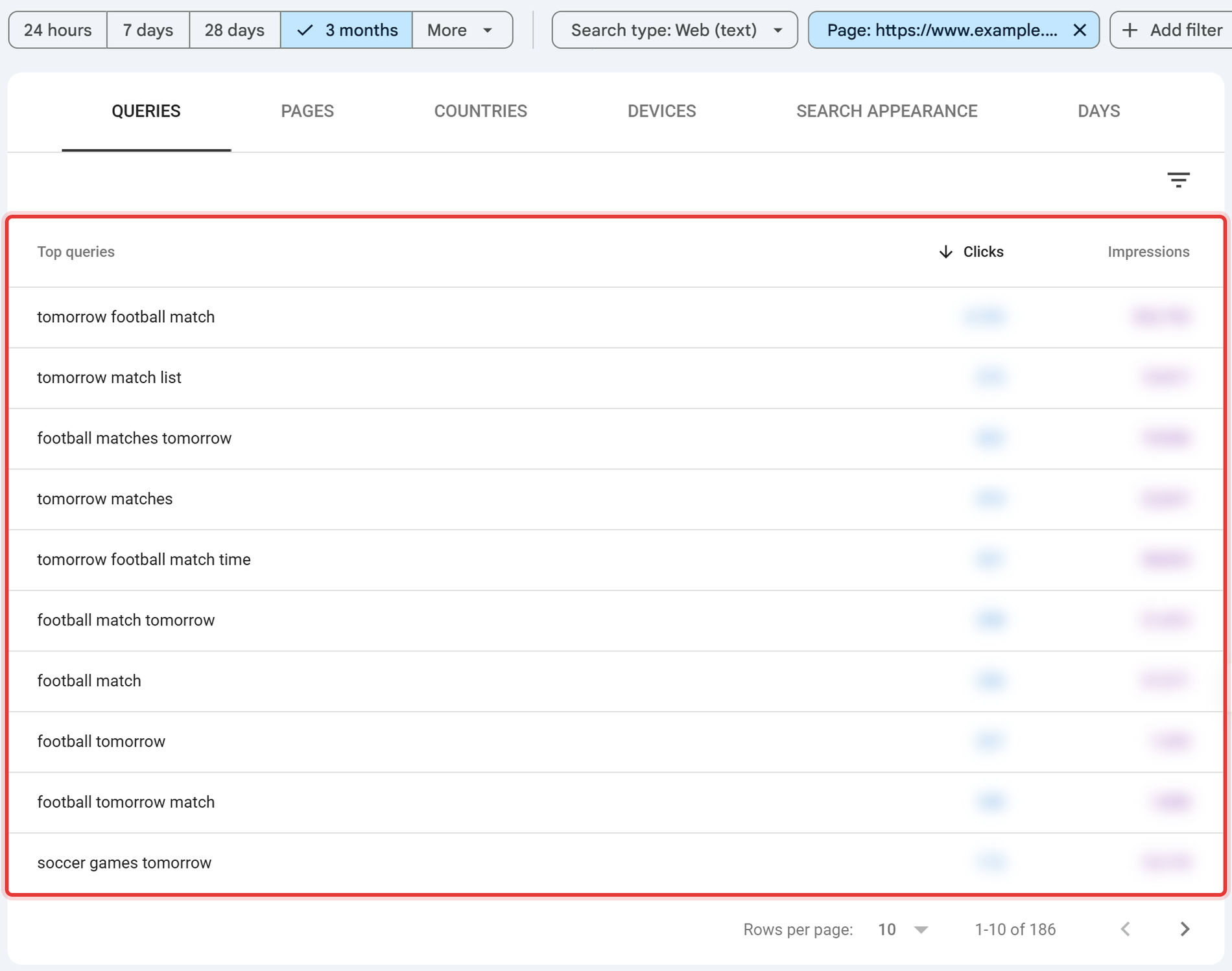
Assign each page one primary query (a keyword audit). Then sort by query. Wherever two or more pages share a primary query, you've found a merge candidate. Our keyword mapping guide explains the method, and keyword cannibalisation covers when overlap is actually a problem.
Step 4: Decide with the decision tree
Work through each page in order — the first question that resolves decides its fate.
Work through each page:
- Does it earn clicks, impressions or conversions above your threshold? Yes, and it's accurate → Keep. Yes, but declining or outdated → Improve: update facts, add missing subtopics, strengthen the intro, add internal links.
- No meaningful traffic. Does another page cover the same query? Yes → Merge into the stronger page and 301 the weaker URL.
- No traffic, no overlap. Does it have backlinks or a business purpose (legal, support, sales enablement)? Backlinks → Redirect to the most relevant page, or improve it if the topic has demand. Business purpose → Keep, and consider
noindexif it has no search value. - None of the above → Remove (404 or 410) and drop internal links to it.
Step 5: Merging pages properly
- Pick the stronger URL: more clicks, more links, better position.
- Move the best unique material from the weaker page into it.
- 301 redirect the weaker URL to the stronger one.
- Update internal links to point straight at the kept URL.
- Remove the redirected URL from the XML sitemap.
See 301 redirects for avoiding chains.
Step 6: Measure the result
Note the date changes ship. After six to twelve weeks, compare clicks and impressions for the kept and merged pages against the baseline, and check Search Console's Page indexing report for redirected URLs dropping out cleanly. Measure the group of pages, not one URL: merging often lifts the kept page while total page count falls.
Thin isn't a word count
"Thin content" means a page that doesn't satisfy the search, not one below a word count. The median inner page on the web has about 339 visible words (2025 Web Almanac), and plenty of short pages answer their query perfectly. Judge pages on whether they answer the query, are accurate, and add something competing pages don't.
If you want this done with your data, TapasSEO's Content Refresh & Expansion audits and rewrites declining pages, and the Site SEO Audit includes a cannibalisation matrix across every URL in scope.
Frequently asked questions
What is an SEO content audit? A review of every indexable page using search performance, conversion and link data, ending in a decision for each page: keep, improve, merge, redirect or remove.
How often should you do a content audit? Annually for content-heavy sites, or when organic traffic plateaus despite regular publishing.
Should I delete old blog posts? Only if they have no traffic, no backlinks, no business purpose and no overlap you can merge. Redirect posts that have links; improve posts on topics with demand.
What tools do I need? Google Search Console, your analytics, a crawler and a backlink tool. A spreadsheet does the rest.
Get the rewriting and merging done for you
A content audit tells you what to do with every URL — keep, improve, merge, redirect or remove. It doesn't rewrite the declining pages, consolidate the merge candidates, or build the redirect map. Someone still has to do that work, page by page, without breaking the traffic the audit was meant to protect.